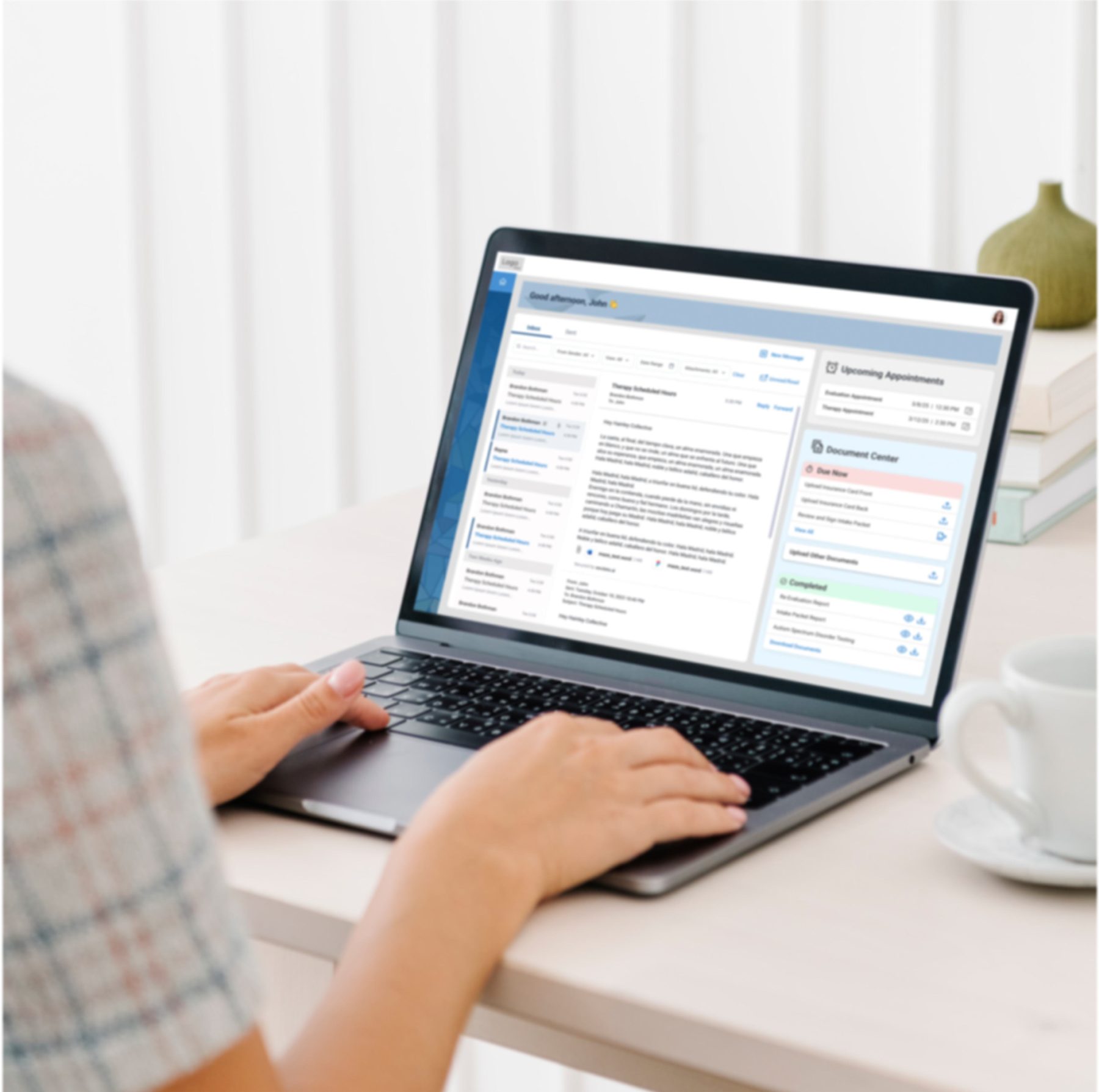
Simplifying intake and communication in pediatric behavioral health
A digital system designed to reduce confusion in document handling, communication, and scheduling for families and care teams. This case study explores how visibility and structure transformed a fragmented intake process into a coordinated experience.
The Family
Emily is a working parent in suburban Michigan. Her son, Lucas, was recently diagnosed with autism spectrum disorder. After months of waiting for the diagnosis, she was referred to a local ABA therapy provider that accepts her insurance.
The intake coordinator told her over the phone that they would need to verify her benefits, collect insurance documentation, schedule an assessment with a BCBA, and gather medical records from Lucas's pediatrician. Emily wrote it all down, but two weeks later, she is not sure what has already been done.
She has called twice to check on status. The first time, she was told they are "still working on it." The second time, she learned that a form she thought was optional was actually required, and now holding up the entire process. She feels like she is navigating in the dark, unsure if she should wait or take action.
Emily isn't alone. Thousands of families go through this every year, stuck between urgency and uncertainty, relying on phone calls and email threads to understand where they stand.
The Care Team
Sarah handles 40+ families at any given time, each at a different stage of the intake funnel. Some are waiting on insurance verification. Others need documents uploaded. A few are ready to schedule but haven't responded to emails.
Sarah tracks everything in a shared Excel sheet. When parents call, she has to pull up their row, cross reference notes from the CAC (Clinical Administrative Coordinator), check if the BCBA has completed the assessment, and relay whatever she finds. If someone forgot to update the sheet, the information is wrong.
Communication
Fragmented across phone calls, voicemails, and email threads that don't sync
Document Tracking
Unclear what's received, missing, or holding things up
Process Visibility
Staff rely on manual tracking across disconnected tools
Emily and Sarah are stuck in the same broken system, one that relies on manual tracking, reactive communication, and invisible handoffs between teams.
Framing
This isn't a single user problem. It's a system level visibility and coordination gap.
Across phone calls, voicemails, and email threads that don't sync with internal systems
Parents don't know what's been received, what's missing, or what's holding things up
Creates anxiety and unnecessary follow ups from families
To track, update, and communicate status across disconnected tools
The goal was not to reinvent the intake workflow, the clinical and administrative steps are governed by compliance, billing, and care standards. Instead, the design needed to make the existing process visible and manageable for both families and staff.
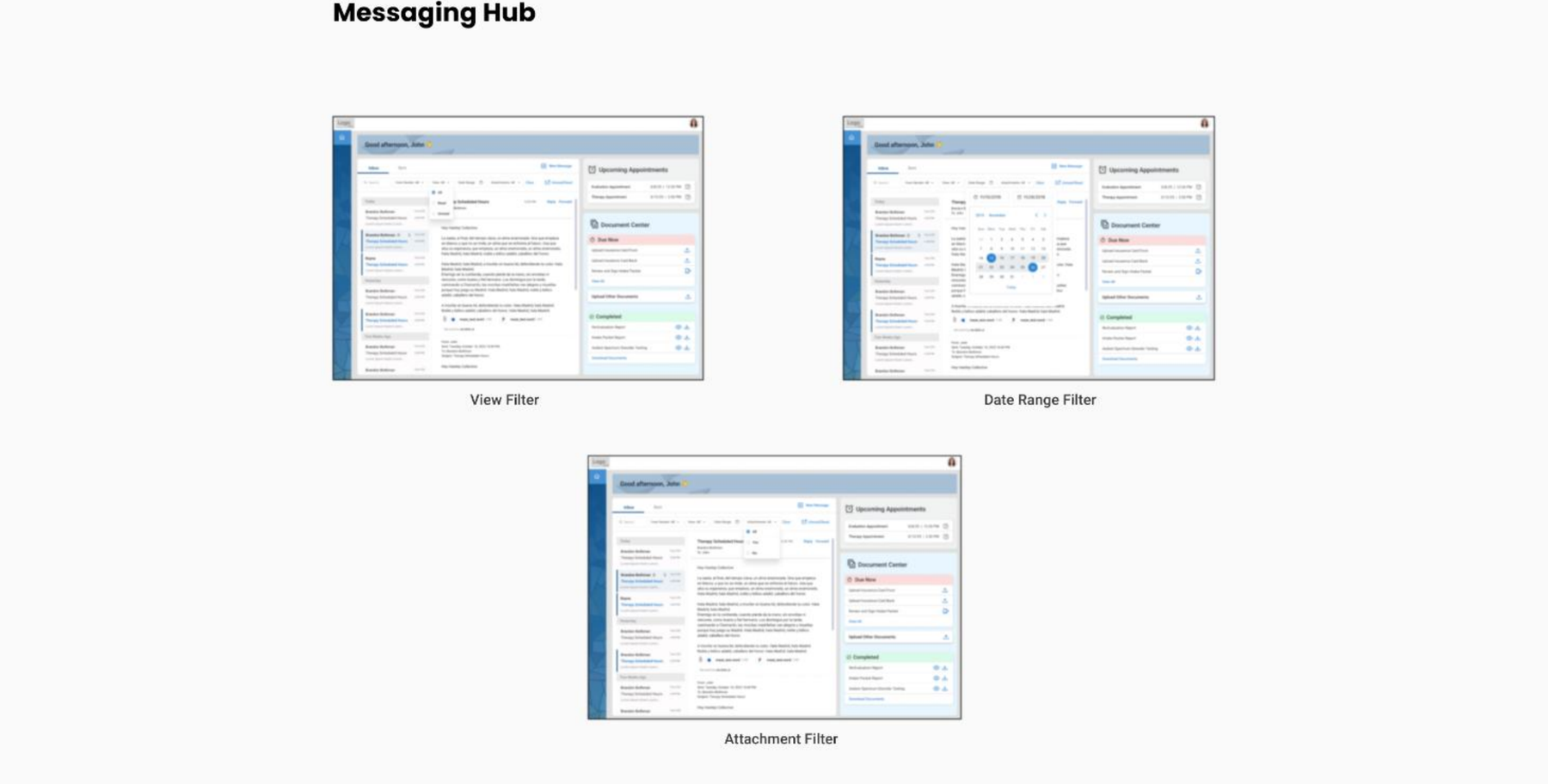
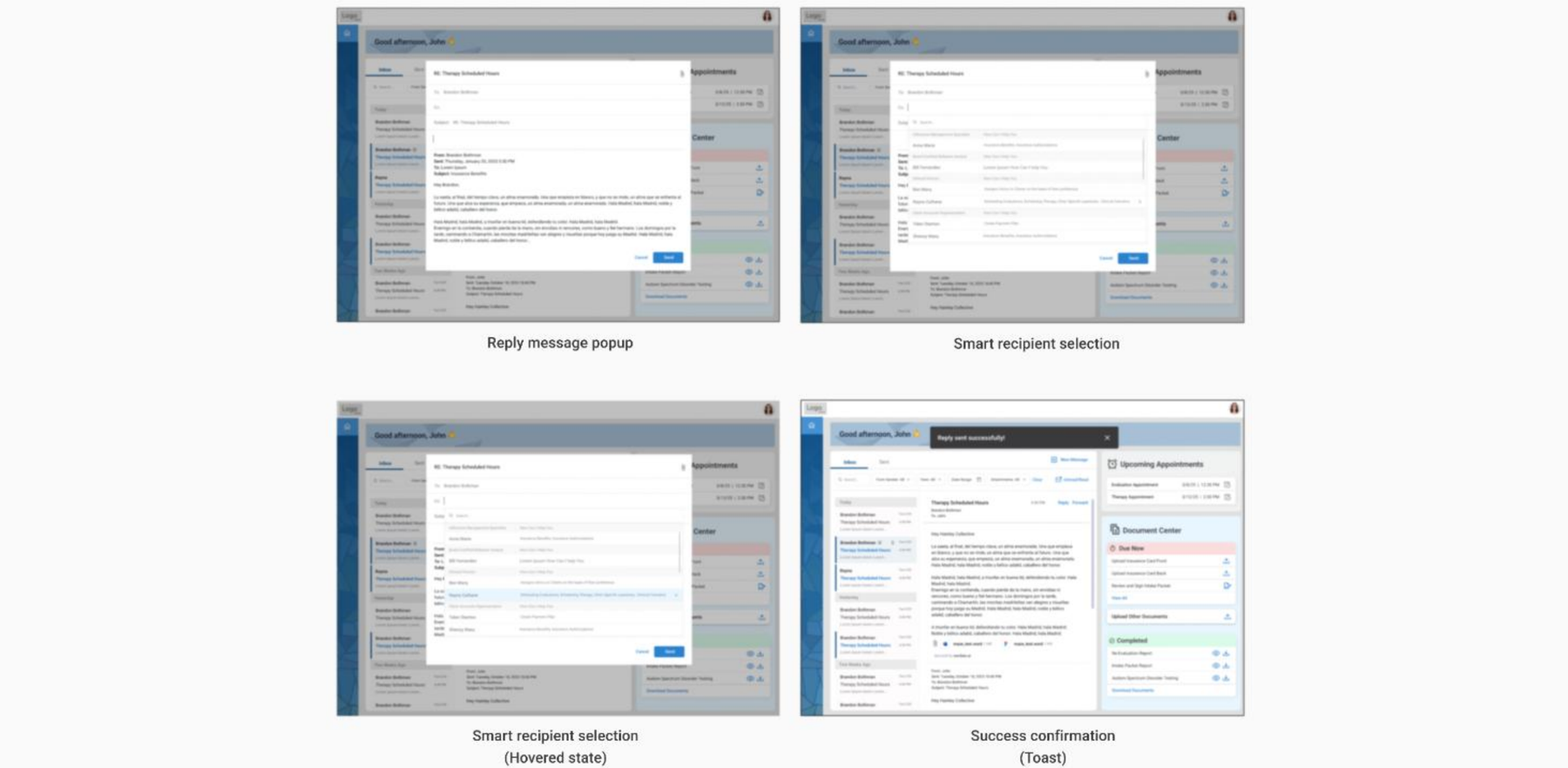
We simplified the experience into three core pillars: Communication, Documents, and Appointments.
Centralized messaging between families and care teams
Clear view of what's required, submitted, and approved
Upcoming sessions and next steps, all in one place
Familiar Patterns — Email style inboxes, document lists with status indicators, calendar views to reduce cognitive load
Clarity First — The interface prioritizes "what's next" over exposing backend complexity
Action Oriented — Every screen shows the next step and what to do, reducing uncertainty
Before & After
Before and after: how the portal transformed both experiences
| Step | Emily (Parent) | Sarah (Intake Manager) | Pain Point | After Experience |
|---|---|---|---|---|
| Inquiry | Calls clinic referral, leaves voicemail | Manually logs inquiry in spreadsheet, calls back when available | Lag time between inquiry and response, no confirmation | Emily receives immediate confirmation email with portal access and next steps |
| Benefits Verification | Waits for clinic to verify insurance coverage | Calls updates spreadsheet, emails family | No visibility into progress | Status visible in portal: "Verifying benefits, estimated completion 3/12" |
| Document Submission | Emails insurance card, prescription, medical records | Searches the downloads folder, updates spreadsheet | Documents scattered across channels | Document center shows "Pending: Prescription", easy upload flow |
| Communication | Unsure when to follow up | Replies to multiple families, coordinates manually | Scattered communication threads | Messaging hub enables batch responses during designated windows |
| Scheduling | Leaves message, repeats to multiple people | Manually coordinates between BCBA calendar and family availability | Scheduling takes days, families feel stuck | Upcoming assessment with date and time confirmed in portal |
| Progress Tracking | Calls to ask status | Updates spreadsheet and email | No single source of truth | Dashboard shows "2 of 4 documents submitted, benefits verified, assessment scheduled for 3/15" |
Designing the System
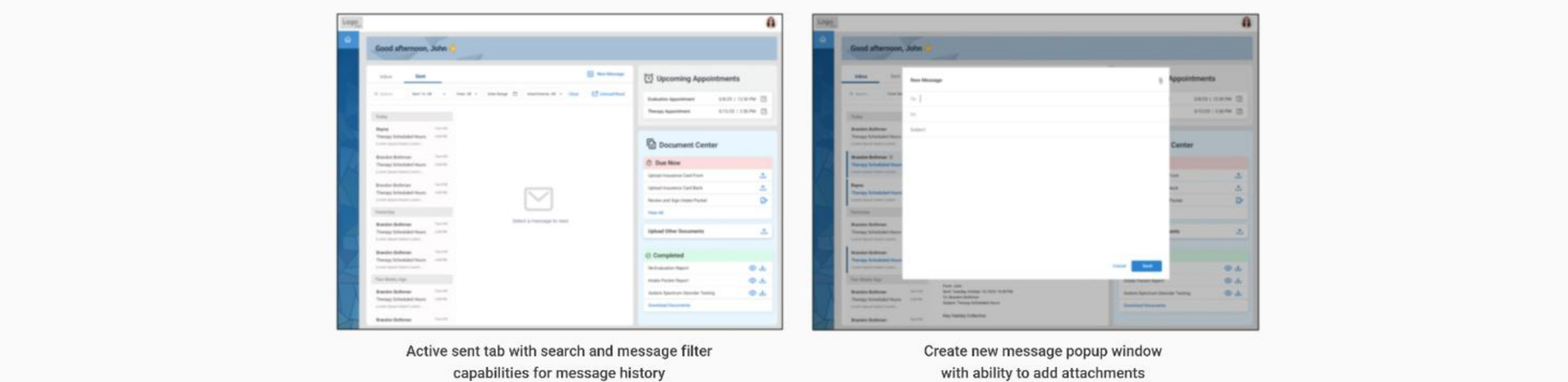
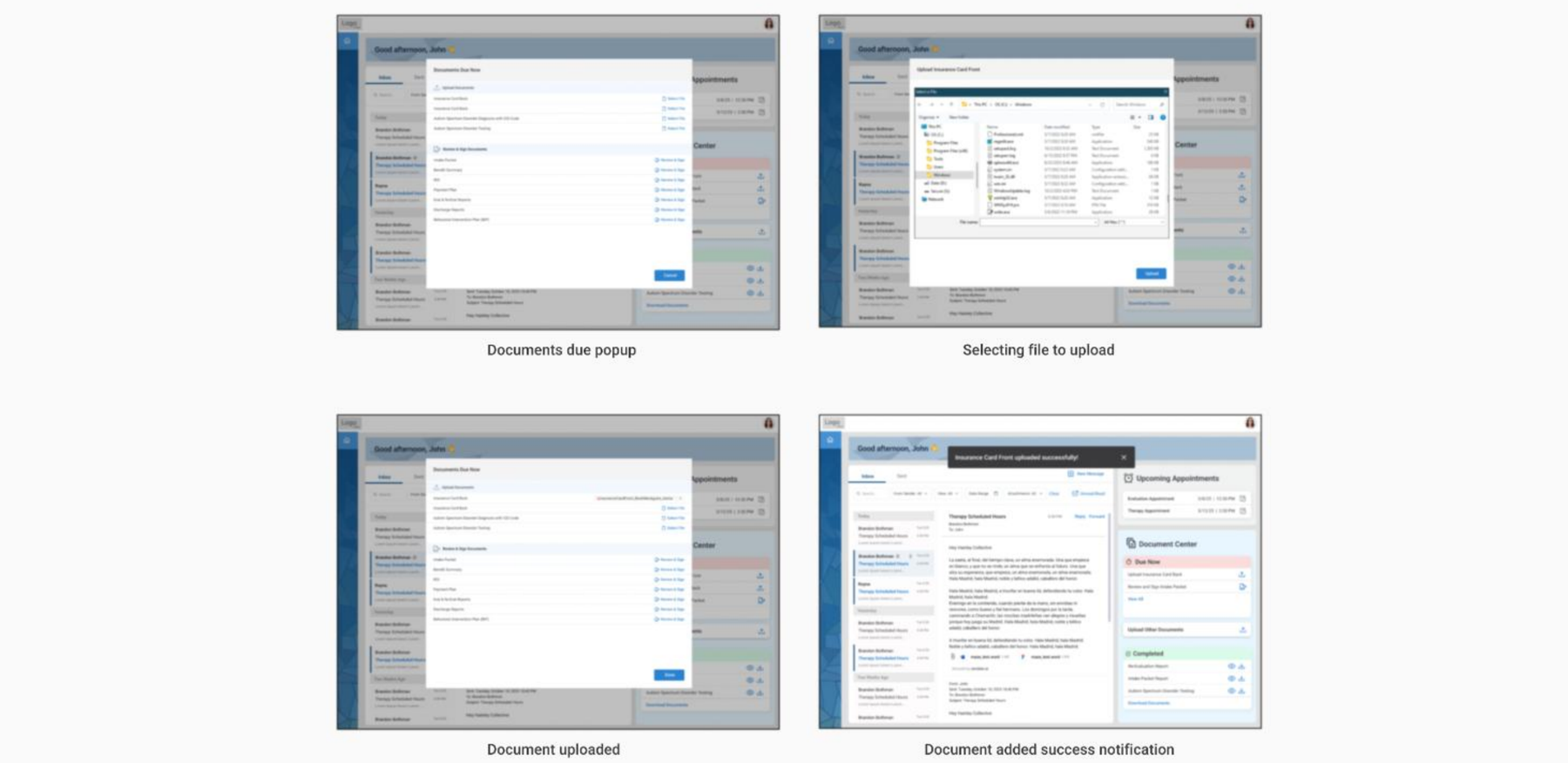
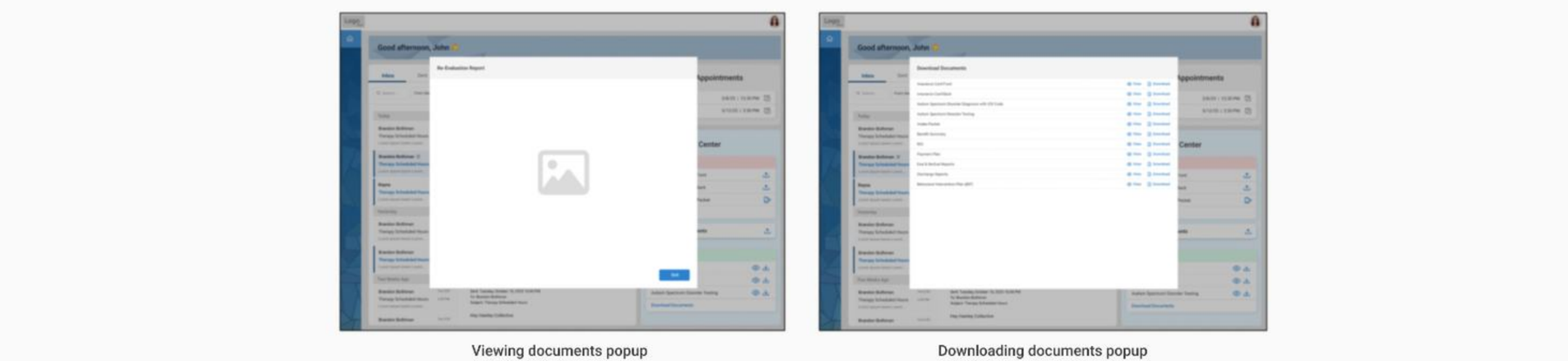
Designed document upload, management, and download flows to reduce friction and provide better visibility into pending documents.
Results
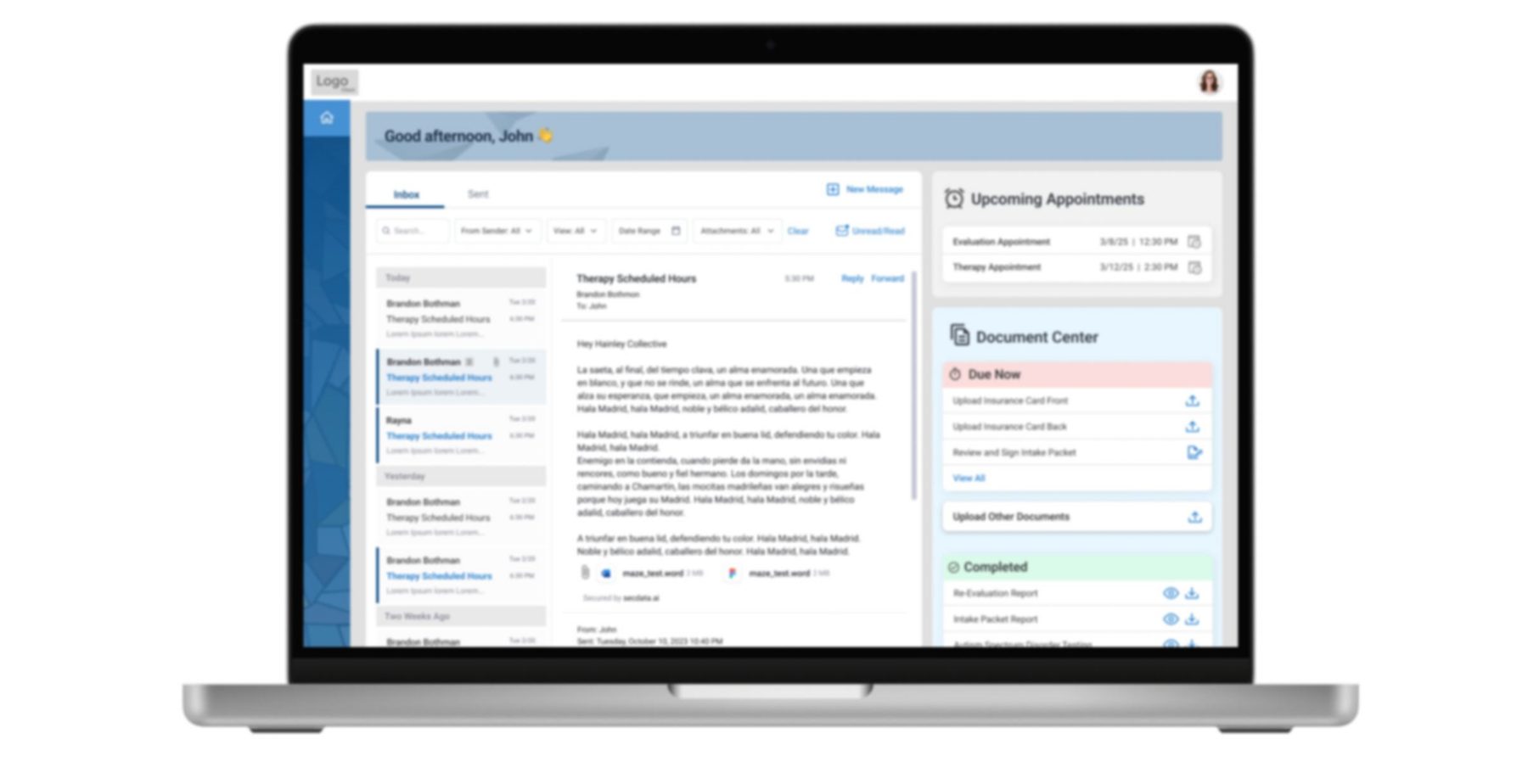
Client Portal delivered meaningful improvements in how families engaged with their child's behavioral therapy. By consolidating key functions into a single platform, the portal helped reduce stress, improve transparency, and strengthen caregiver clinician collaboration. These are the directional outcomes the care team reported after launch, not figures from a controlled study.
Parents moved off phone calls and email threads entirely, with all therapy related information and communication living in one place.
A visible shift away from paper based documentation and the repeat status calls that used to fill Sarah's week.
Caregivers told the care team they felt more connected to and confident in the therapy process once progress was visible.
Parents gained a single hub for managing all therapy related tasks: communication, scheduling, and documentation, eliminating the need to juggle multiple tools and channels.
The shift to digital workflows significantly cut down on paperwork and follow up calls, allowing families to focus more on their child's progress rather than administrative tasks.
Clear visibility into appointments, evaluations, and shared documents helped build trust and confidence in the therapy process, leading to higher caregiver satisfaction and engagement.
Looking Back
This project was done in 2023, where the use of AI tools had not advanced so much. If today I redesign this, AI would open up several responsibilities:
Flag incomplete or incorrect uploads before they reach staff.
Predict when a family is likely to miss a deadline and send proactive nudges.
Auto generate status updates based on intake activity.
Surface families at risk of falling through the cracks based on engagement patterns.
More Work